How I Built ShabelleHub From My Phone: A Solo Founder's AI Toolkit (2026)
A transparent look at the exact AI tools, Supabase database workflows, and Vercel cloud pipeline used to develop and launch ShabelleHub entirely from a mobile device in 2026.
You do not need a multi-monitor desktop setup or a high-end computer to build and deploy a modern web application anymore. In 2026, the available free tiers of major AI platforms have shifted from simple chatbots into functional development assistants. This article provides a transparent look at the exact toolkit, database migrations, and cloud workflows used to build, fix, and launch ShabelleHub entirely from a mobile device.
Some links in this article are affiliate links. If you sign up through one, ShabelleHub may earn a commission at no extra cost to you — see our [affiliate disclosure](/disclosure) for full details.
The Mobile Founder’s AI Toolkit at a Glance
Free AI Tools Comparison
| — | Best ValueTool | Best For | Rating |
|---|---|---|---|
| Claude | Architecture & Termux debugging | Mobile terminal workflows | 9.5 / 10 |
| Perplexity AI | Live docs & search | Vercel & Next.js updates | 9.0 / 10 |
| ChatGPT | Component scaffolding | UI drafting | 8.8 / 10 |
| Gemini & NotebookLM | Content validation | Text auditing | 8.5 / 10 |
1. Claude: The Core Code Assistant & Terminal Guide
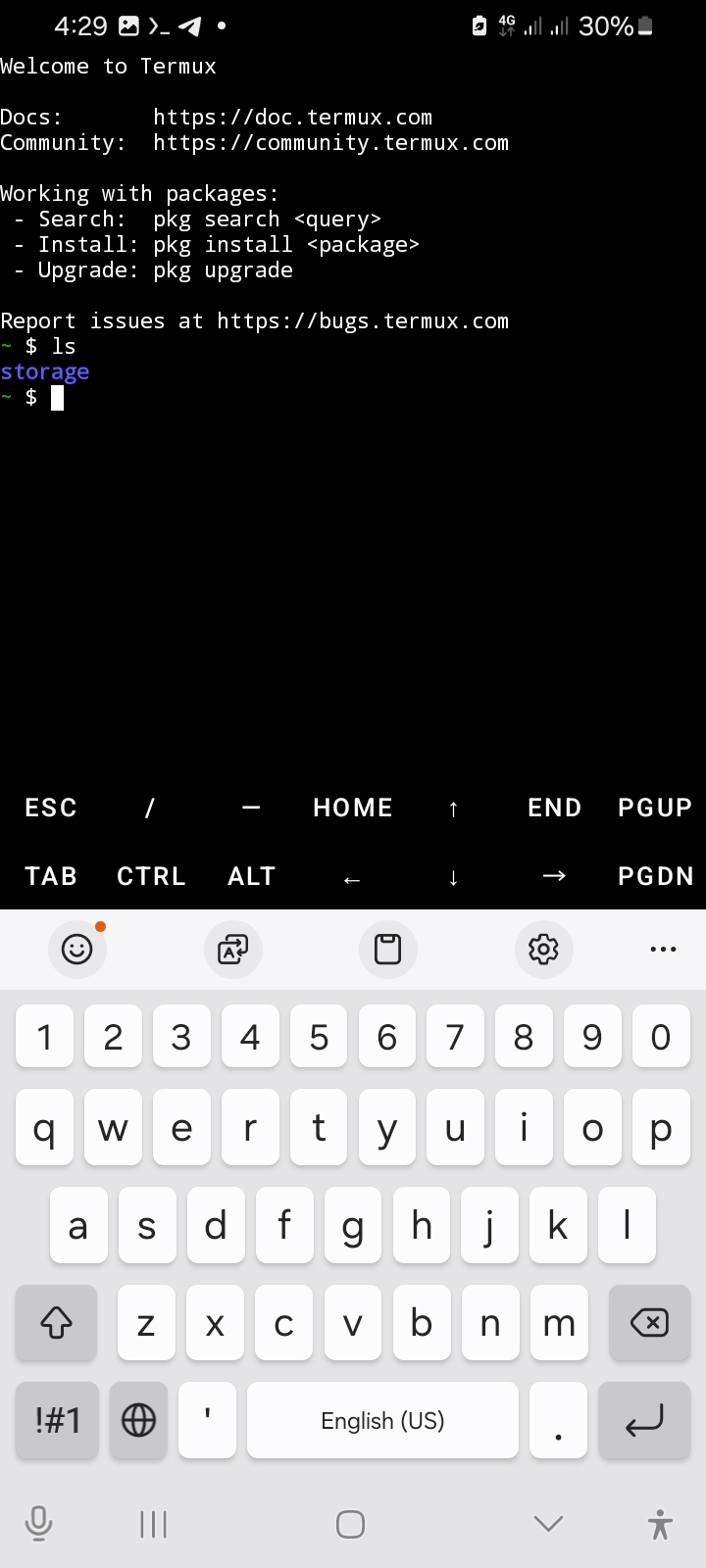
While building ShabelleHub, Claude acted as the primary developer assistant. Building on a mobile device requires working in constrained terminal environments like Termux. Claude’s value didn't come from generic advice, but from precise, step-by-step technical guidance. For example, when deploying the initial environment via Termux, handling compressed project archives required explicit execution steps. Claude walked me through a sequence of 12 specific terminal commands inside Termux—ranging from setting up core storage permissions to executing the unzip utility and verifying structural file integrity. It retained complex Next.js folder structures across long debugging sessions without dropping state, and generated clean Tailwind CSS classes that didn't require constant refactoring on a small screen.
2. Migrating to Supabase: Managing Data via Mobile SQL
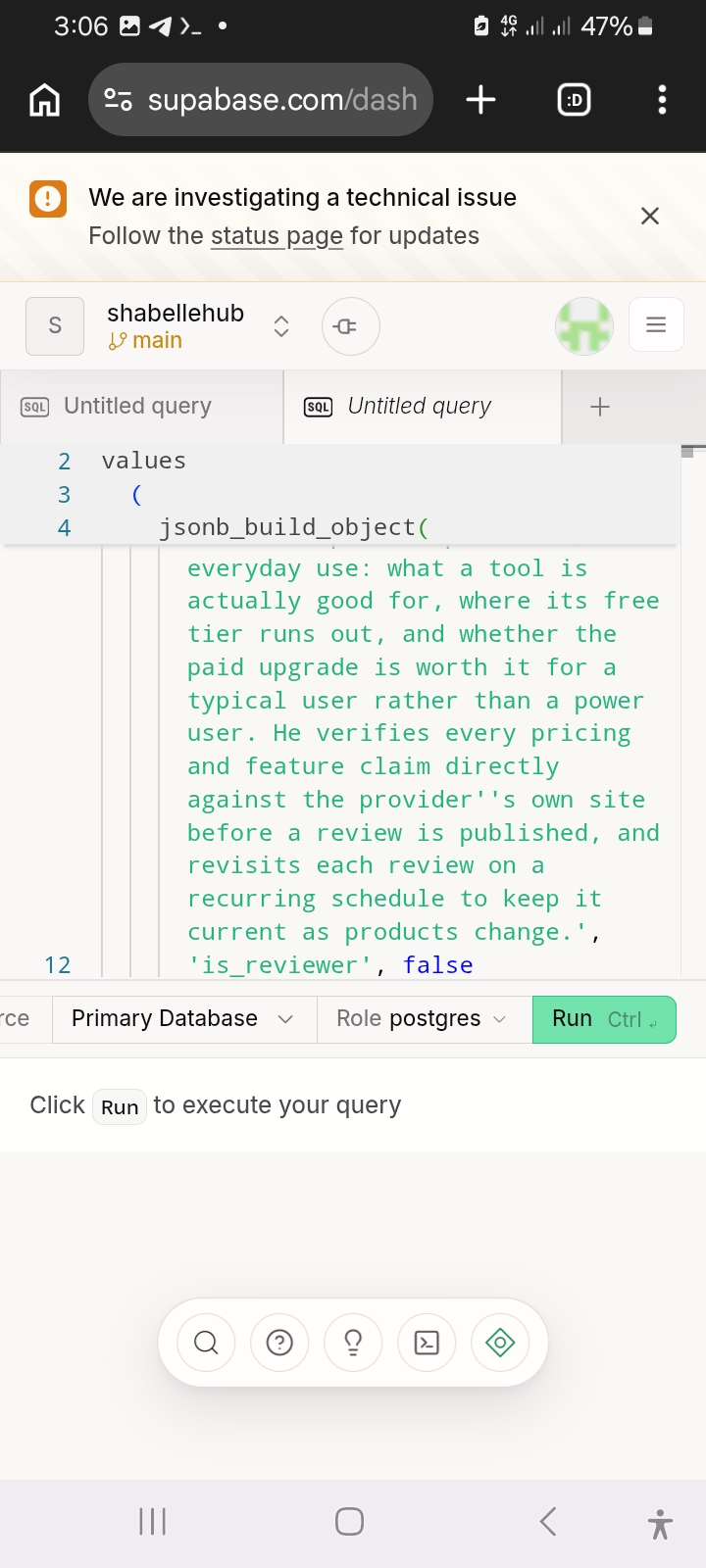
As ShabelleHub scaled, managing data required moving from static local arrays to a robust, relational infrastructure. I integrated Supabase as the primary backend database layer. Managing production databases on a 6-inch phone screen introduces unique interface challenges, but utilizing AI-generated SQL queries bridged the gap. Inside the Supabase SQL editor, I structured relational tables to handle tool metrics, reviewer access, and dynamic user updates. Using structured commands like jsonb_build_object(), the system handles multi-layered product data smoothly. Instead of typing nested database schemas manually on a mobile keyboard, I focused on validating the database logic, ensuring properties like is_reviewer flags or automated pricing checks mapped accurately before executing the scripts.
3. Git Workflows and Continuous Deployment on Vercel
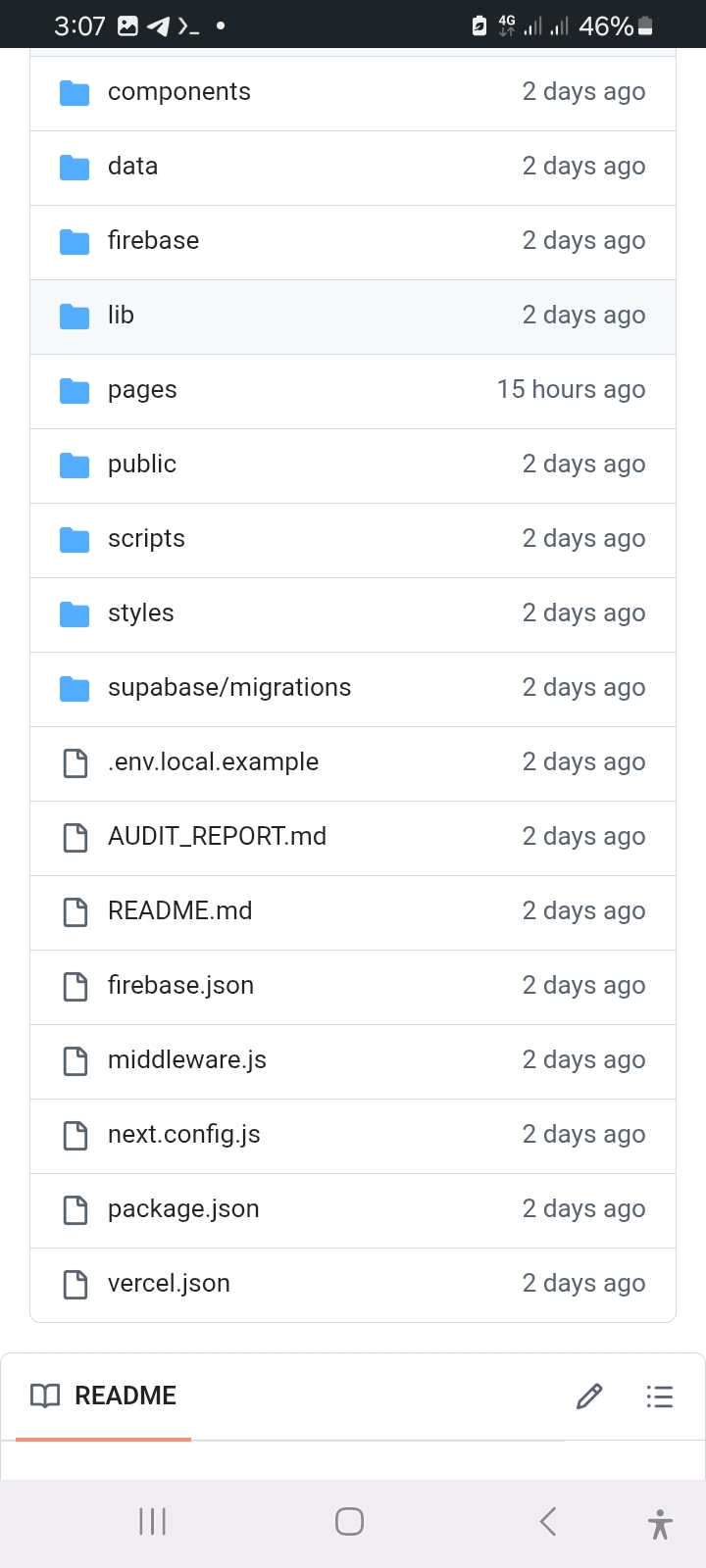
Maintaining code integrity without a desktop interface requires a disciplined deployment pipeline. The entire codebase for ShabelleHub is structured within a modular Git repository containing specialized configurations like vercel.json, next.config.js, and dedicated supabase/migrations directories. Using Git integration, every single update—whether modifying user session handling, editing directory data structures, or updating server-side SDK references—is pushed directly from the phone terminal to GitHub. From there, Vercel handles the production build automatically. When deployment errors occur, the Vercel logs are copied directly back into the AI loop to pinpoint the exact broken module. This continuous cycle allows a mobile-first developer to maintain stable production runtimes with zero reliance on local desktop hosting.
4. Perplexity & ChatGPT: Documentation and Scaffolding
Standard chatbots rely on fixed training data cutoffs, which introduces errors when working with fast-evolving frameworks. Perplexity was utilized as a real-time search layer to pull live, cited repository updates and update logs. Instead of browsing multiple developer forums on a mobile browser, it provided the direct syntax changes required for 2026 package standards. Meanwhile, ChatGPT served as a high-speed drafting tool for repetitive front-end elements. When building a directory, you need numerous card components, filter tabs, and form fields. ChatGPT excelled at generating mock JSON structures to test how ShabelleHub would render dynamic tool listings before the live backend data was fully plugged in.
The Takeaway for Aspiring Somali Developers None of this happened because the tools were perfect — they weren't. Half of the work was still trial and error: a wrong Termux command, a Supabase query that needed three tries, a Vercel deploy that failed twice before the environment variables were right. What the AI toolkit actually did was compress the learning curve, not remove it. If you have a phone, a stable connection, and enough patience to read an error message twice before asking for help, that's genuinely enough to start.
Frequently Asked Questions
Can you really build a web app from a phone?+
What is Termux and how do I get started?+
Is Supabase free to use?+
How does Vercel auto-deploy work?+
Which AI tool is most useful for mobile development?+
📬 Get the latest AI tool reviews
Expert picks and comparisons, weekly. No spam.